You can securely upload forum verification and other secure materials on this secure page.
Step 1: Collect your files together
Collect your files in one place and use your device or browser to select and send up to 10 files at a time, sized no more than 100MB per file.
Accepted file formats include a wide variety of text, image, video, and audio files:
Documents: PDF, DOC, DOCX, TXT, RTF
Images: JPG, JPEG, PNG, WEBP, HEIC, GIF, TIFF
Video: MP4, MOV, M4V, WEBM, MKV, AVI
Audio: MP3, M4A, WAV
If you can't send them all in one go, just use the same Full Name and Email Address in any subsequent submissions to make them easier to identify.
Step 2: Fill out the form and upload your files
Fill in the form below, upload your files, and you'll get an immediate, automatic confirmation from the site via the email address you give below.
If you're here because you're applying to join the forum or upload sensitive materials separate from the Contact form, expect a human response as soon as possible.
Note that this site is administered and its webserver is based in the U.S.—in the Central Standard Time zone (CST)—so we operate six hours behind UK time.
Step 3: If you require absolute privacy
Prepare a text document that includes your contact details (name and email or Signal username). When you upload it, enter "Fake Name" as your name and "example@example.com" as your email address. We'll have access to what you have securely uploaded, and can contact you directly, outside of the website context. Just don't forget to include your contact info in what you upload.
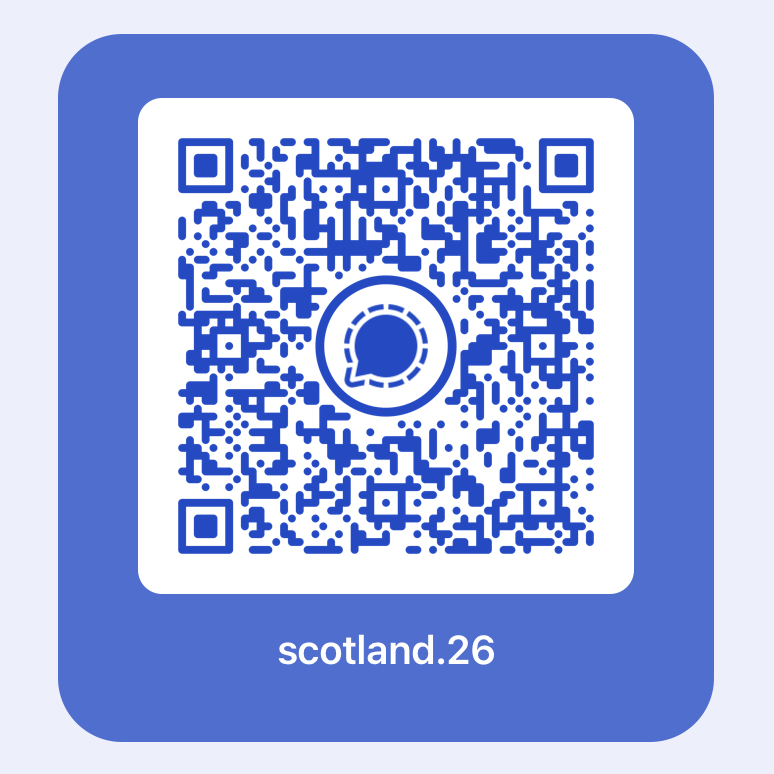
If you want to send encrypted materials, this form or the Signal app is probably your best bet—it's free and offers end-to-end encryption, You can send PDFs, Word documents, images, ZIP files, etc. Encryption is automatic.
Step 4: Start filling out our form here
Use your device or browser to select and send up to 10 files at a time, sized no more than 100MB per file.